One link gets the whole table in.
A commissioner should not need a separate instruction manual in the group chat. Create the room, set draft night, send the league link, and let Sharp Sheet handle the route.
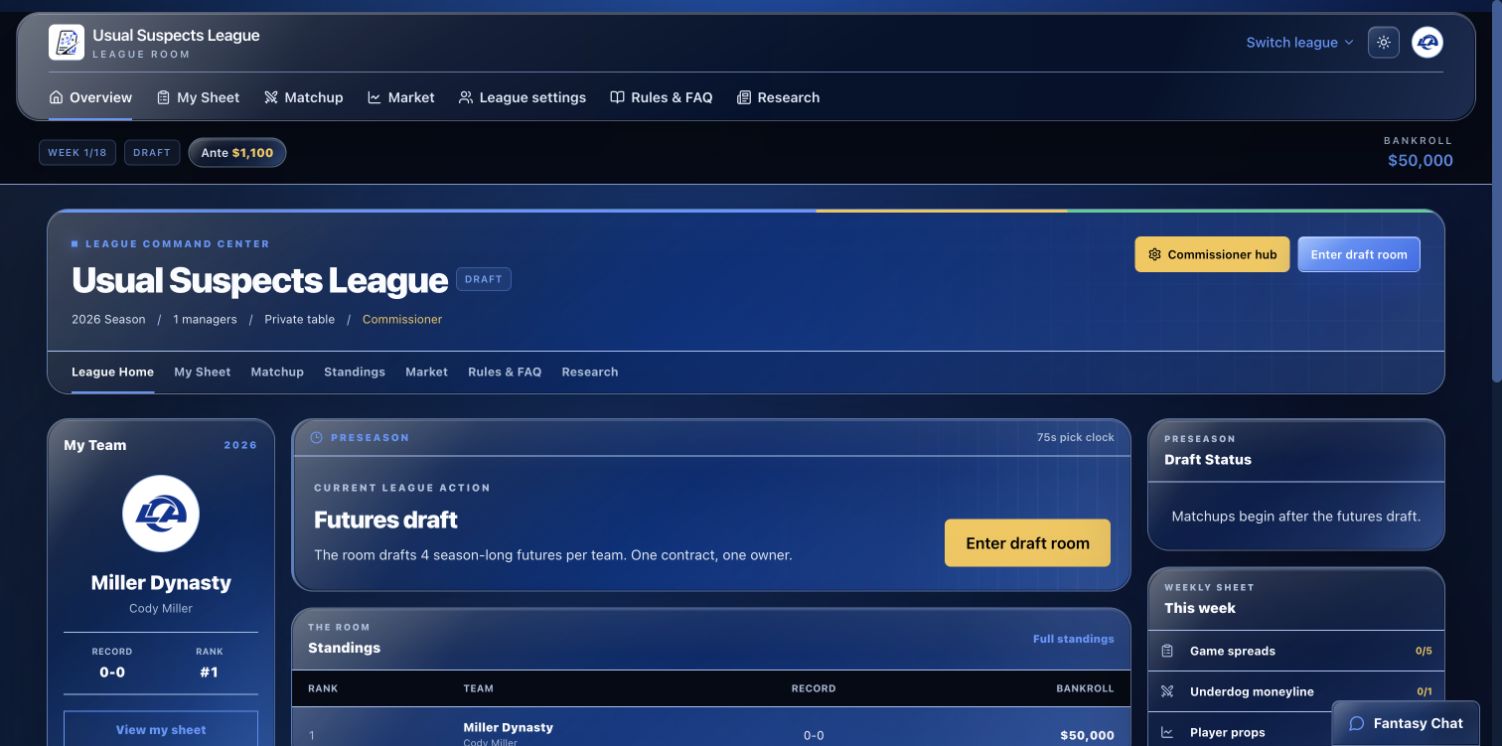
The invite remembers the league
A private invite opens a real league page with the commissioner, claimed seats, draft time, and pick clock. A new player creates an account, takes the tutorial, names a team, and returns to the same open seat.
The commissioner can copy the link, text it, or email it directly from the league dashboard.
Commissioners set the table before the draft
League size, sport, draft schedule, pick clock, futures count, starting bankroll, weekly ante, and scoring rules are visible before the first pick.
Once the draft starts, the rules lock for fairness. Resetting the room is a deliberate commissioner action, not something that happens because somebody refreshed a page.
The room keeps the season together
The dashboard shows the current phase, standings, bankroll, next action, weekly progress, futures book, and league activity. Draft picks, trades, locks, and recaps create room events automatically.
People can talk inside the table, but the important part is that the football actions already give them something to talk about.
Create an account and run the tutorial.
Then start a private league, use a friend's invite, or grab a seat at a public table.